Layouts covers all theme configuration settings if you want to apply manually in project.
It's a default layout option(size: 'expanded'), You ca manage by changing value in src/lib/stores/sidebar.js. Set Values According to your Preferance in userSettings and click Reset Button In Customizer
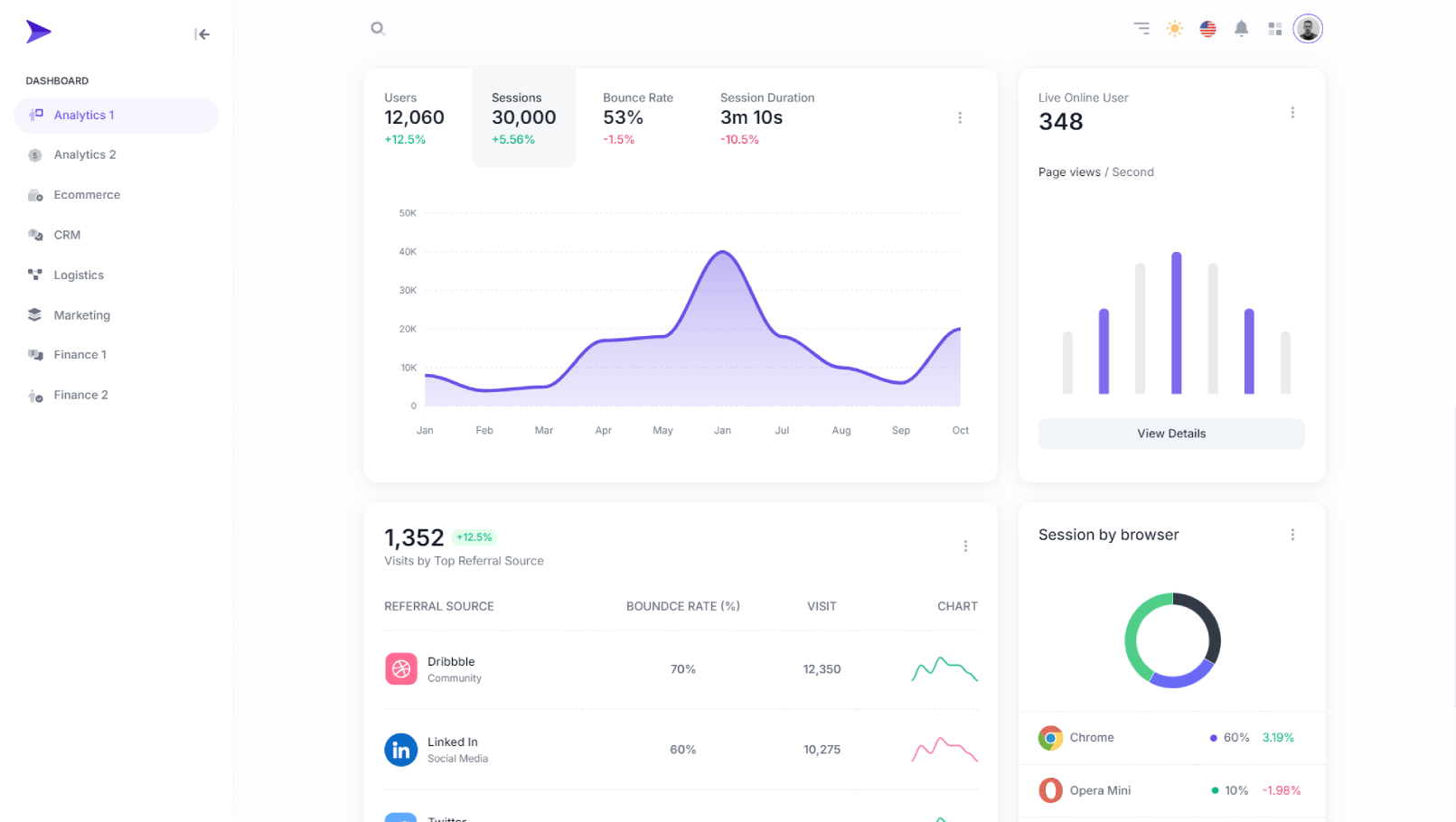
size: 'expanded'
Change the value to size: 'collapse' for mini sidebar layout.
It will add class="mini-sidebar" to the element with id="hs-offcanvas-mobile-sidebar" in the sidebar component. This is functional on the click of button name="mini-sidebar-button" as well.
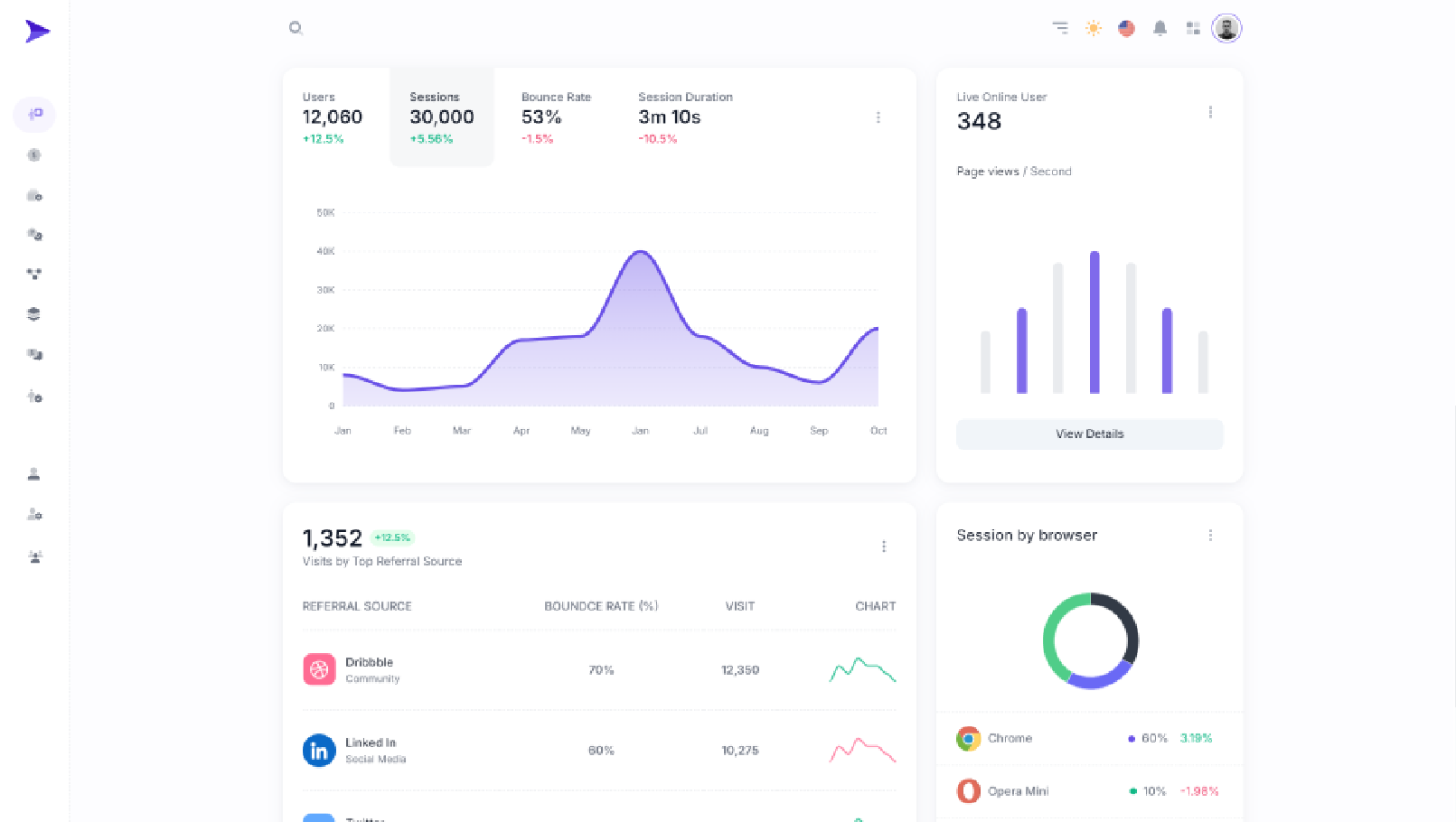
size: 'collapse'
