We have provided multiple variant options for the sidebar, making it very easy to customize. You need to change the attribute in the public/assets/js/layout/layout-*.js file to switch between different sidebar color variations.
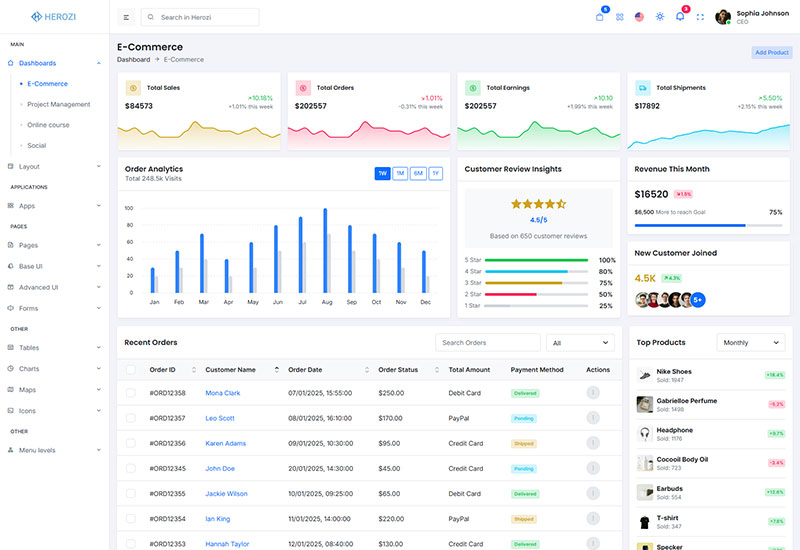
[ATTRIBUTES.SIDEBAR]: 'light-sidebar'
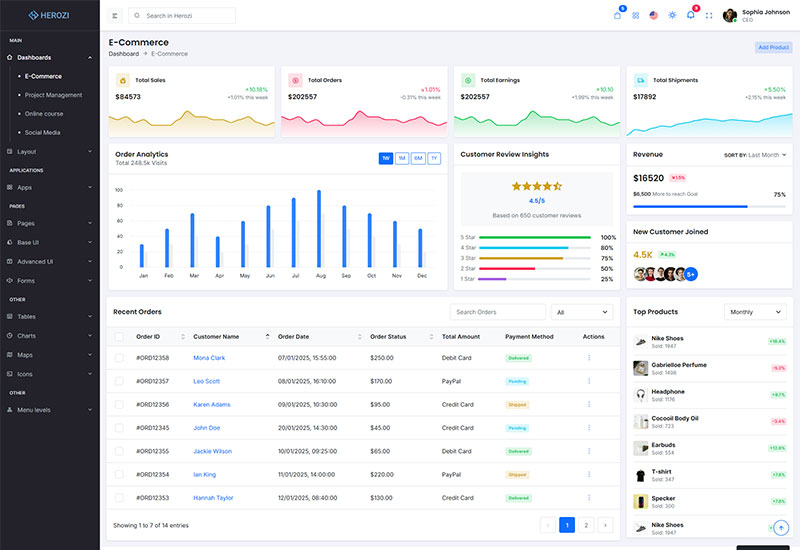
[ATTRIBUTES.SIDEBAR]: 'dark-sidebar'
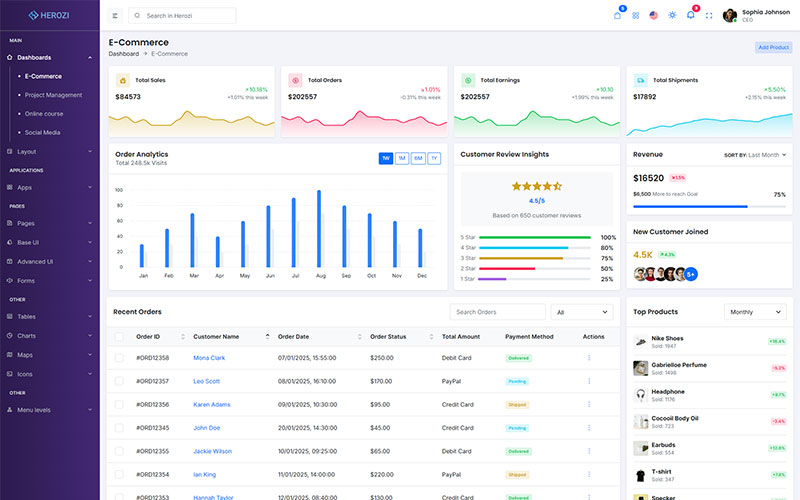
[ATTRIBUTES.SIDEBAR]: 'gradient-sidebar'
To change the sidebar variation, modify the [ATTRIBUTES.SIDEBAR] attribute in the configuration file located at public/assets/js/layout/layout-*.js:
'light-sidebar''dark-sidebar''gradient-sidebar'To customize the sidebar colors, you need to modify the specific variation file (e.g., `light-sidebar`, `dark-sidebar`, or `gradient-sidebar`). This is where the sidebar’s background, text, and other color-related styles are defined.
Locate the variation file in the public/assets/js/layout/ directory and adjust the CSS styles or color variables according to your needs.
Here's an example of how to set the default sidebar variation in the JavaScript configuration file:
const ATTRIBUTES = {
    SIDEBAR: 'data-sidebar',
};

const DEFAULT_VALUES = {
    [ATTRIBUTES.SIDEBAR]: 'dark-sidebar', // 'light-sidebar', 'dark-sidebar', 'gradient-sidebar'
};
By following these steps, you can easily switch between sidebar themes or modify the sidebar's colors to fit your requirements.
Be the first to know about new updates and exclusive discounts. No spam, just great offers!
How about
With over 7 years of experienced team, we specialize in delivering custom projects for startups, blue-chip companies, and government agencies. We have successfully completed over 250+ projects, providing tailored solutions that meet the unique needs of each client.
Support© Herozi Design & Develop by SRBThemes.